
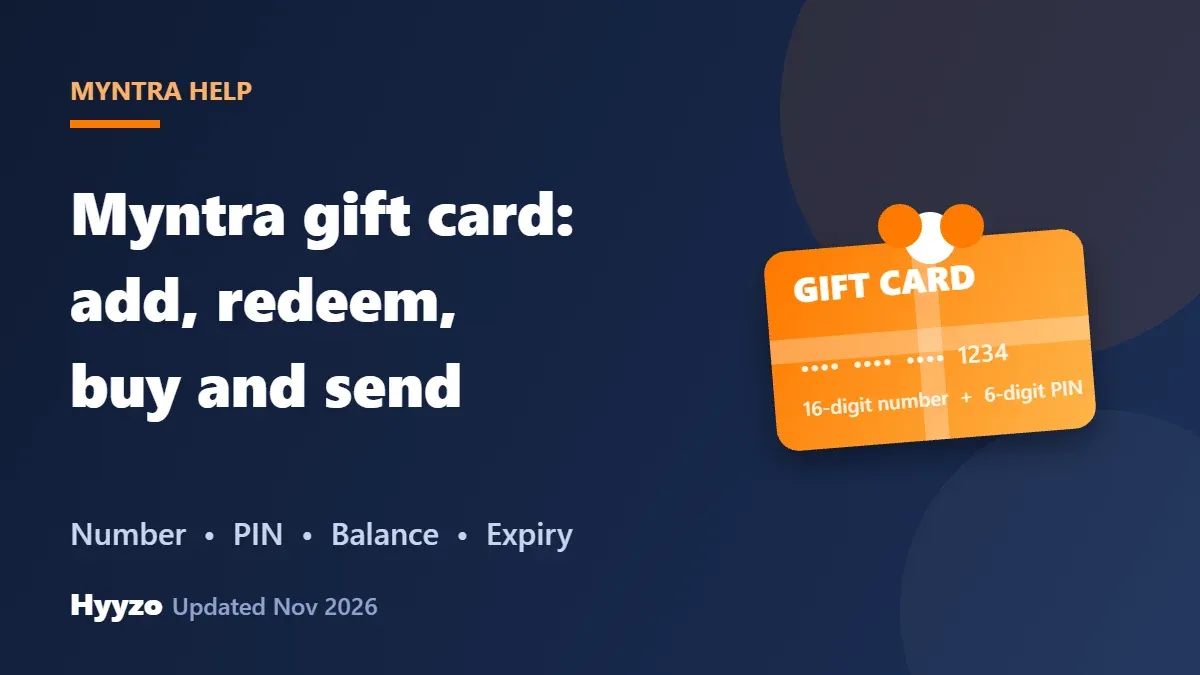
To use a Myntra gift card, enter its 16-digit number and 6-digit PIN on the payment page. At checkout, click Place Order, then Proceed to Payment, choose Gift Card under Other Payment Options, enter the details and click Apply. You can also add the card to your account first, using ADD TO ACCOUNT in the gift card email or the Manage Gift Cards option. Only one gift card can be used per order, and Myntra's cards expire 12 months after they are issued.
Written and reviewed by vishakha. Last updated 16 November 2026. Based on Myntra's gift card page and help page as we read them on that date. Menu names can change, so follow what your own screen shows.
| What you want to do | How |
|---|---|
| Redeem a card | Payment page, then Gift Card, then enter number and PIN |
| Add a card to your account | ADD TO ACCOUNT in the email, or Manage Gift Cards |
| Check balance | Gift Cards section, enter number and PIN |
| Buy or send a card | Gift Card option, then Buy Gift Card |
| Resend the email | The sender can do it from My Orders |
How to add a Myntra gift card to your account
There are two ways, according to Myntra. If you received the card by email, click ADD TO ACCOUNT in that email. Or open Myntra's Gift Cards page and add the card from Manage Gift Cards. Once the card is added, Myntra says the balance appears on the payment page during checkout, where you select Gift Card to pay.
How to redeem a Myntra gift card at checkout
- Add your items and click Place Order.
- Check your delivery address and click Proceed to Payment.
- Under Other Payment Options, select Gift Card.
- Enter the 16-digit gift card number and the 6-digit PIN.
- Click Apply. The order amount is deducted from the card's available balance.
This works on the Myntra app and the website. If the card does not cover the full amount, pay the rest with another method.
Rules to know before you redeem
- One card per order. Myntra says you can use only one gift card in one transaction.
- Expiry. The card expires 12 months from the date of issue.
- What it cannot do. You cannot use it for credit card payments or account deposits, exchange it for cash, or withdraw cash from the balance. Cards are non-refundable once the funds are loaded.
- Returns. If you return something paid for with a gift card, Myntra says the money goes back to the same gift card. See our Myntra return policy guide for the steps.
How to check your balance and expiry
Open the Gift Cards section on Myntra, enter the 16-digit card number and the 6-digit PIN, and click Check Balance. Myntra's help page covers balance and expiry checks in the same place.
How to purchase and send a Myntra gift card
- Click the Gift Card option on Myntra, then Buy Gift Card.
- Select an occasion and add a personal message if you want.
- Enter the recipient's email address and name, and choose or enter the card value.
- Preview it, then pay with a credit card, debit card or net banking.
- After payment, the gift card details are sent to the recipient's email.
The email usually arrives within 24 hours of purchase and shows the card number, PIN, value, your name, your message and how to redeem it. For bulk or corporate orders, Myntra's Gift Cards page has a Corporate & Bulk Purchases option.
Check twice before you pay. Myntra says it cannot cancel or refund a Myntra-issued gift card after you place the order, and it cannot resend the details if the recipient's email was entered wrongly.
Recipient did not get the email?
- Ask them to check the Spam or Junk folder.
- Confirm the email address was entered correctly.
- The sender can resend the email from My Orders in their Myntra account.
- If it still has not arrived after a reasonable time, contact Myntra customer support.
Gift cards and cashback
Buying a Myntra gift card does not earn cashback, and the part of a bill paid with a gift card is left out of the cashback amount. To earn cashback on the rest of an order, start from Hyyzo's Myntra cashback, shop and pay in the same session, and check the rates and exclusions on that page. See the Myntra upcoming sale calendar for when to use your balance. Before you delete a Myntra account.
Stay safe with gift cards
- Only enter your gift card number and PIN on Myntra's own payment page or the Gift Cards page.
- Never share the number and PIN with someone who asks for them in a call, chat or message. Anyone who has both can spend the balance.
- Myntra says its gift cards are issued by QwikCilver Solutions Pvt. Ltd, which is authorised by the RBI to issue them.
All of this follows Myntra's own help page and gift card page, which we read on 16 November 2026.
Frequently asked questions
How do I add a gift card in Myntra?
Open the email that has the gift card details and click ADD TO ACCOUNT, or add the card from Manage Gift Cards on Myntra's Gift Cards page. Myntra says the balance then appears on the payment page at checkout.
How do I redeem a Myntra gift card?
At checkout, click Place Order, confirm your address and click Proceed to Payment. Select Gift Card under Other Payment Options, enter the 16-digit card number and 6-digit PIN, and click Apply.
Does a Myntra gift card expire?
Yes. Myntra says its gift card expires 12 months from the date of issue.
Can I use more than one Myntra gift card in one order?
No. Myntra says you can use only one gift card in one transaction.
How do I check my Myntra gift card balance?
Open the Gift Cards section on Myntra, enter the 16-digit card number and the 6-digit PIN, and click Check Balance.
Can I cancel or get a refund on a gift card I bought?
No. Myntra says it cannot cancel or refund Myntra-issued gift cards after the order is placed, so check the value and the recipient's email before you pay.
What happens to my gift card if I return an item?
Myntra says a partial or full payment made with a gift card is refunded to the same gift card.