

Few things match the thrill of a massive online fashion haul, but that excitement quickly turns to frustration when you check your digital wallet after checkout only to find zero rewards pending. If you are wondering how to get rewards consistently, the fix doesn't lie in finding a secret discount code or contacting customer support after you buy. Instead, it comes down to a single, critical habit: you must activate tracking before you place a single item into your shopping basket.
This guide will explain how online tracking works, point out common mistakes with digital shopping carts, and give you clear steps to make sure you always secure your Myntra cashback. Follow these simple rules to guarantee you never miss out on your next Myntra cashback payout.
How Myntra Cashback Tracking Works
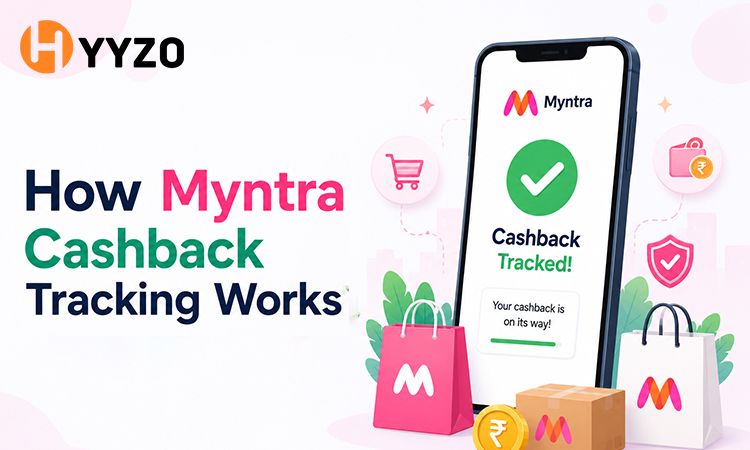
To help you with the savings, understand what happens behind the screen. Hyyzo serves as the official digital marketing partner for top e-commerce brands. When you start your shopping journey on a rewards platform, a tiny, secure data file known as a tracking cookie is placed in your browser session or mobile app.
You can think of this cookie as a digital breadcrumb trail. It tells the brand’s server which platform sent you to their store. After you make a purchase, the brand uses this file to confirm the referral, pays a standard marketing commission, and Hyyzo sends that money straight to your account as cashback. The whole process depends on a clear chain of automated affiliate tracking data to show that your click led to your purchase, making seamless Myntra cashback tracking possible.
The "Pre-Existing Cart" Trap
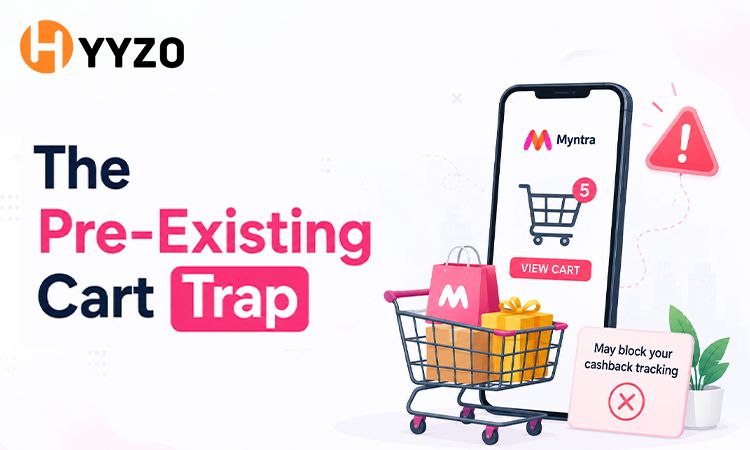
A lot of online shoppers miss out on rewards because of something called the "pre-existing cart" trap. Here’s how it usually goes: you spend a couple of days browsing the app, adding things like shoes, shirts, or cosmetics to your basket. When you’re ready to buy, you open your rewards app and hit "Activate" just before you pay, thinking you’ll get the rewards.
But this actually causes a big tracking problem for Myntra’s rewards system. Online stores track when you add items to your basket to figure out how you found them. If you add things to your cart before using a rewards link, the system sees it as regular shopping, not a rewards purchase. Turning on the tracking link after your cart is full doesn’t change anything, so you won’t get any rewards for that order.
How to Activate Your Cashback the Right Way: Step by Step
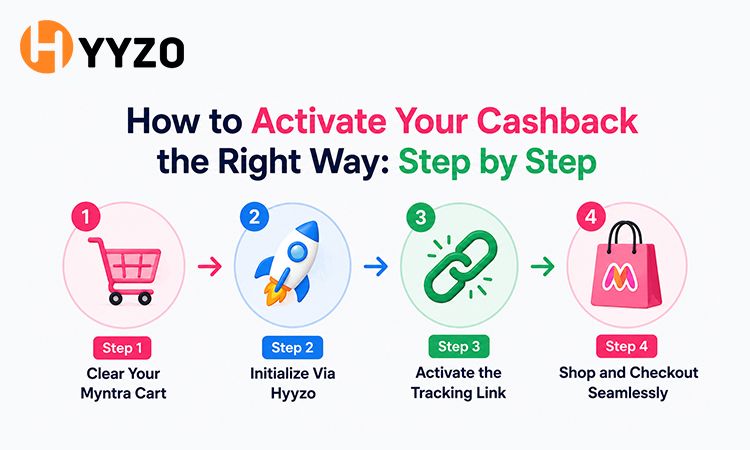
To avoid technical issues and make sure your cashback is tracked, follow these steps in order. If you do them out of order, you may not get your savings.
- Clear Your Myntra Cart: First, open the Myntra app or website and empty your shopping cart. If you want to keep any items, move them to your wishlist.
- Initialize Via Hyyzo: Start your shopping with Myntra Store Page on Hyyzo.
- Activate the Tracking Link: Click the Earn Cashback Now button to activate Myntra cashback. Wait a moment while Hyyzo redirects you to the official shopping site.
- Shop and Checkout Seamlessly: Search for your items from scratch, add them to your freshly cleared cart, and complete your entire checkout flow within the same continuous, uninterrupted session.
Common Mistakes That Kill Your Myntra Cashback
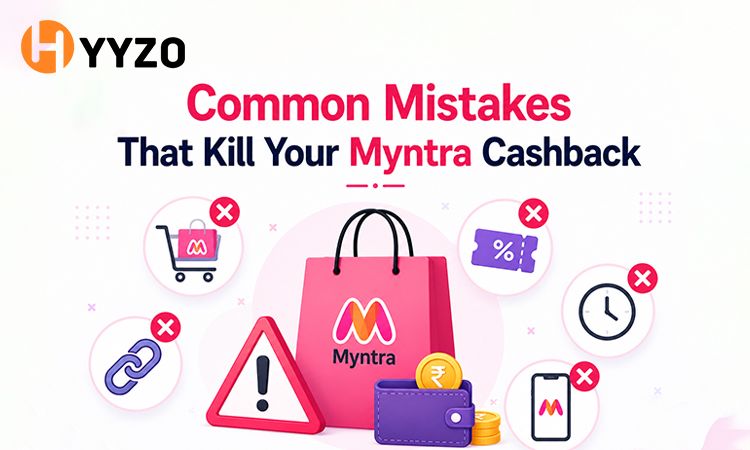
Even if you’re a seasoned deal hunter, it’s easy to miss out on savings because of small technical mistakes. Here are some common errors to avoid on cashback website during big shopping events like the End of Reason Sale:
- App Interferences: If you click an affiliate link on your computer but finish your purchase in the mobile app, your cashback might not track properly. To avoid this, start your shopping directly in the mobile app if you plan to buy on your phone.
- Tab Overload: If you open lots of product comparison tabs or visit coupon sites after starting your shopping, it can mess up your cashback tracking. This happens because your tracking session gets overwritten.
- Interrupted Sessions: If you click your tracking link but leave your phone idle for a long time before checking out, your session might time out and erase your cashback tracking.
- Clearing Data Mid-Way: If you use a utility app that clears your cache or deletes cookies just before you pay, your cashback tracking will be lost.
Verdict — The Golden Rule of Online Savings
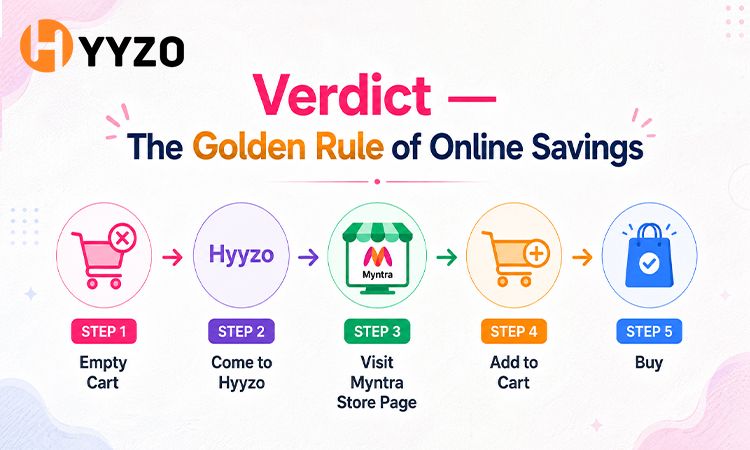
When it comes to maximizing your online rewards, the absolute safest approach to saving money is a fixed four-step habit:
Empty Cart → Come to Hyyzo → Visit Myntra Store Page → Add to Cart → Buy
Don't leave free money on the table because of an old cookie or a pre-loaded shopping basket. Make it an absolute habit to wipe your digital cart clean before you make your move. Ready to upgrade your wardrobe with the latest seasonal trends? Click to shop and activate your Hyyzo cashback now to lock in your extra savings before you head over to Myntra.
Frequently Asked Questions (FAQs)
Q1: Why is my Myntra cashback not tracking automatically?
Common culprits include active ad blockers, clicking through alternate discount platforms right before checkout, or failing to activate Myntra cashback before adding items to your basket. To prevent this, always disable ad blockers, ensure your browser cookies are enabled, and start your shopping with Myntra Store Page on Hyyzo to confirm your session is live.
Q2: Can I get cashback if items were already in cart when I clicked the link?
No, you cannot earn rewards if items are already waiting in your basket. To avoid this, always clear your cart completely before initializing your shopping trip.
Q3: How do I know if Myntra cashback is activated correctly?
You can check the "Click History" section inside your Hyyzo profile dashboard. If the click is registered there, your session is active, and your upcoming purchase will appear under a pending status once Myntra validates the transaction.
Q4: Does opening the Myntra app directly cancel my tracking session?
Yes, opening the shopping app manually from your phone's home screen will completely break the affiliate loop. For Myntra cashback tracking to work on mobile, you must start your shopping with Myntra Store Page on Hyyzo, which will automatically redirect and open the native shopping app on your device.
Q5: How can I claim missing cashback on Myntra if a technical error occurs?
If an unexpected glitch occurs and your transaction doesn't show up within 72 hours, you can file a claim directly through Hyyzo. Go to your profile, select "Raise a Ticket for Missing Cashback," and input your order details. Make sure to upload your official order confirmation invoice. To ensure a successful claim, remember to submit this ticket within 10 days of your purchase.
Q6: What is the best way to stack Myntra coupons and cashback without tracking errors?
The best way to stack Myntra coupons and cashback is to use the validated codes listed directly on the Hyyzo store page.