

Have you ever wasted hours perfecting a design, only to realise you need a matching video clip or a specific text edit that you have to create from scratch? Well, in the era of digital marketing, these "minor" turns are often the biggest drain on your productivity.
The Adobe Firefly feature is your saviour in 2026, designed to address all your editing requirements. This tool isn't just a gallery of AI art; It is a specific tool designed to streamline your ideas and execute them. From generating videos to refining visuals, it eliminates the need to juggle multiple tools or start from scratch. To learn more about how Adobe Firefly features work and what they offer users, let's dive into the article below.
What Exactly Does The Adobe FireFly Do?
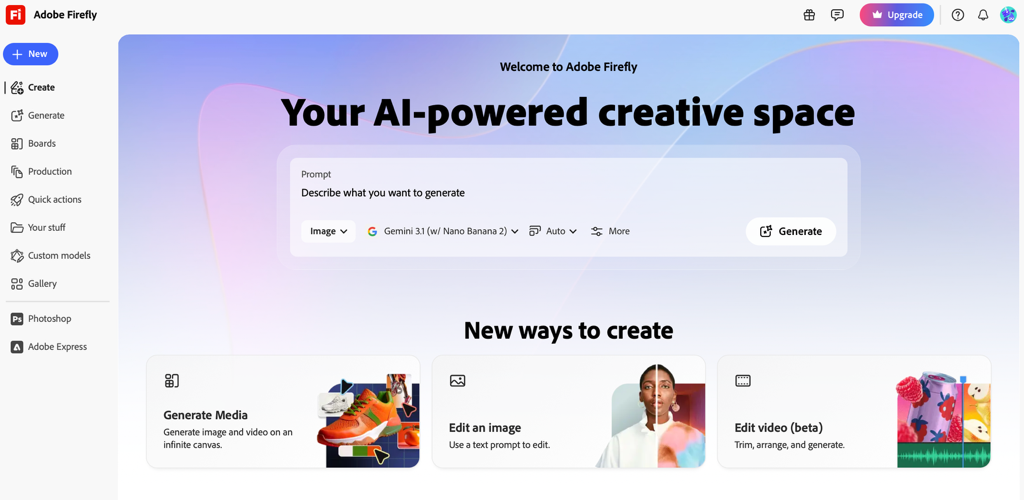
Adobe Firefly is essentially a "creative co-pilot" that helps you build high-quality images and videos just by describing them. The tool includes features like Generative Fill, which lets you add or remove objects from a photo with a quick text command, and Text-To-Video, which turns your ideas and creativity into a high-resolution clip.
This Adobe Firefly tool includes the latest feature, "3rd Party Integration With Gemini 3.0," which lets you use Google's smartest AI directly in Adobe's app.
Why Adobe FireFly Stands Out: Features That Actually Save You Time
Want to know the reasons behind why Adobe's FireFly is different from any other editing or multi-tasking tool? Here are some extremely valid points to look out for:
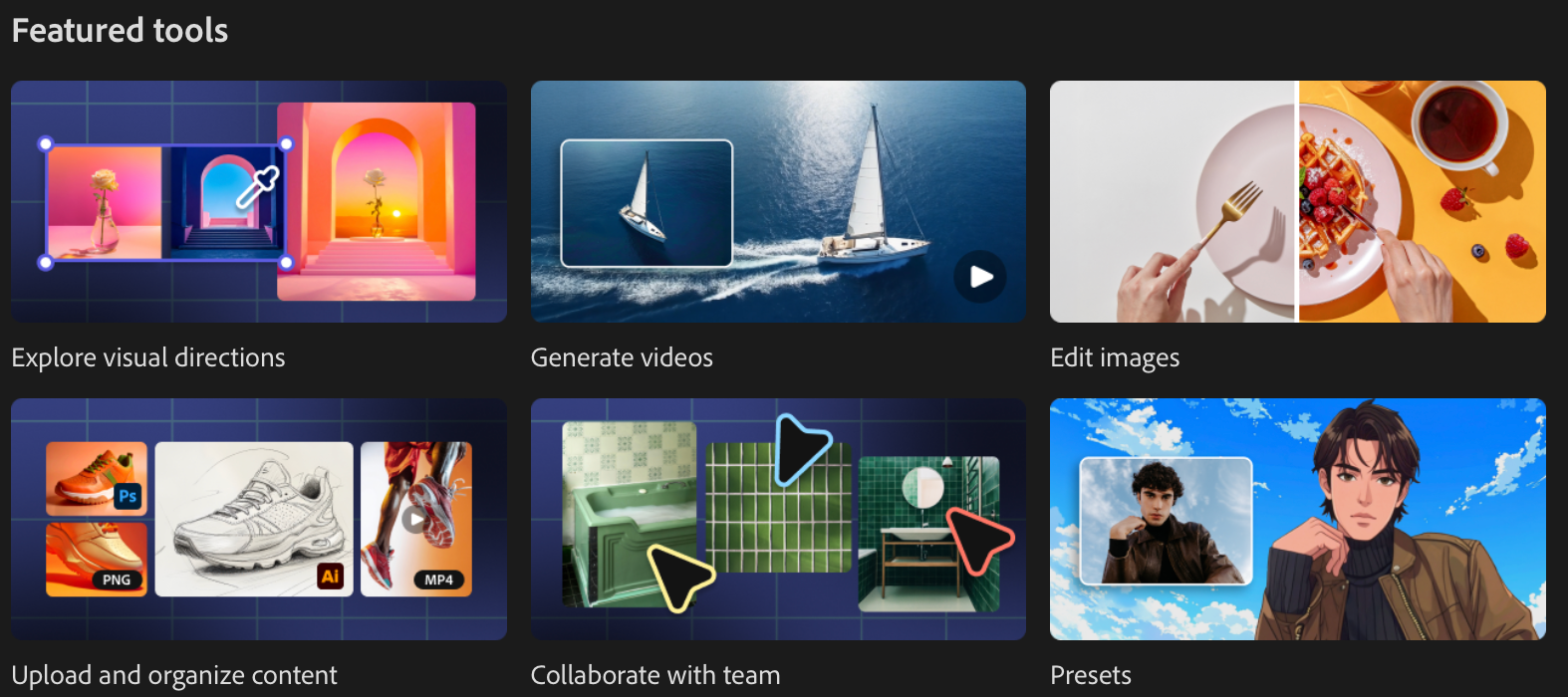
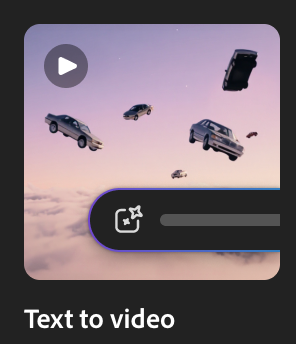
Turn simple prompts into high-quality clips, making it one of the most successful text-to-video AI tools.
Animate static images or illustrations into engaging visuals, positioning it as a best-image to video AI tool.

3. No Skills Required:
Create professional editing videos without any experience, perfect for beginners and marketers.
4. Creative Control With AI:
Customise angles, motions, effects, and style to match your exact vision. You can make it according to your needs.
5. Flexible Keyframes
Use text, prompts, single images, or keyframes to generate videos in your way.
6. Perfect For Content & Marketing
Generate b-roll, social media clips, and visual effects quickly to make the best AI video generator for marketing.
7. Commercially Safe Content:
Create videos using Adobe's Firefly feature, trained for safe, secure, and brand- ready outputs.
Mastering Video with AI
The Adobe Firefly Video Model has officially passed beyond its initial beta, proving itself to be one of the best AI video generators for marketing. It’s specifically designed to be commercially safe, which means brands can use the output without legal issues.
How do I create a video with AI?
Creating professional-grade clips is surprisingly intuitive. You have two primary paths:
Text-to-Video: Use the best text-to-video AI tool to describe a scene (e.g., "Cinematic drone shot of a neon city in the rain"). Firefly generates a 1080p clip with realistic physics and lighting.
Image-to-Video: As the best image-to-video AI tool, Firefly allows you to upload two still images as "keyframes." The AI then "hallucinates" the motion between them, creating a seamless transition or animation.
Tutorial: How to edit images with AI
Whether you're looking for a top-rated AI image editor software or a quick step-by-step guide to edit images with AI, Firefly's "Prompt to Edit" module is your new best friend.
Step-by-Step Guide:
Step 1: Upload your image to the Firefly web app.
Step 2: Use the Selection Brush to highlight the area you want to change.
Step 3: Enter a prompt. For example, if you're looking for a tutorial on how to edit an image with AI for a product shot, you might brush over a table and type "Change wooden table to white marble."
Step 4: Select the AI model. With the new 2026 update, you can toggle between the Firefly Image 3 Model or Gemini 3.0 for different creative strengths.
Step 5: Review the variations and hit download
50% Off on New Firefly Plans. Unlimited generations. Limited Time Only
You might want to know about the prices, plans, and benefits of Adobe Firefly before starting your editing journey. In the following section, you will find the exact details of Adobe Firefly plans.
**Save 50% off your first 12 months for New Firefly Pro Plus from 19 March to 24 April 2026.**
- Monthly Plans, Prices, & Benefits
| Adobe Firefly Plans | Price | Benefits |
|---|---|---|
| Adobe Firefly Standard Plan | Rs. 797.68 |
• Access to partner AI models (Nano Banana Pro, Veo 3.1, GPT Image 1.5) • Unlimited image generation with Firefly |
| Adobe Firefly Pro Plan | Rs. 1,596.54 |
• Access to partner AI models (Nano Banana Pro, Veo 3.1, GPT Image 1.5) • Unlimited image generation (up to 2K) (Special Offer) • Video generation with Firefly (Special Offer) • Image generation with Firefly Model 4 |
| Adobe Firefly Premium | Rs. 15,965.40 |
• Access to partner AI models (Nano Banana Pro, Veo 3.1, GPT Image 1.5) • Image generation with all AI models (up to 2K) • Image generation with Firefly Model 4 • Video generation with Firefly |
2. Annual Plans, Prices, & Benefits
| Adobe Firefly Plans | Price | Benefits |
|---|---|---|
| Adobe Firefly Standard Plan | Rs. 677.32 |
• Access to partner AI models (Nano Banana Pro, Veo 3.1, GPT Image 1.5) • Unlimited image generation with Firefly |
| Adobe Firefly Pro Plan | Rs. 1,357.00 |
• Access to partner AI models (Nano Banana Pro, Veo 3.1, GPT Image 1.5) • Unlimited image generation (up to 2K) (Special Offer) • Video generation with Firefly (Special Offer) • Image generation with Firefly Model 4 |
| Adobe Firefly Premium | Rs. 13,750 |
• Access to partner AI models (Nano Banana Pro, Veo 3.1, GPT Image 1.5) • Image generation with all AI models (up to 2K) • Image generation with Firefly Model 4 • Video generation with Firefly |
3. Annual, Prepaid Plans, Prices, & Benefits
| Adobe Firefly Plans | Price | Benefits |
|---|---|---|
| Adobe Firefly Standard Plan | Rs. 7,986 |
• Access to partner AI models (Nano Banana Pro, Veo 3.1, GPT Image 1.5) • Unlimited image generation with Firefly |
| Adobe Firefly Pro Plan | Rs. 15,972 |
• Access to partner AI models (Nano Banana Pro, Veo 3.1, GPT Image 1.5) • Unlimited image generation (up to 2K) (Special Offer) • Video generation with Firefly (Special Offer) • Image generation with Firefly Model 4 |
| Adobe Firefly Premium | Rs. 1,59,724.80 |
• Access to partner AI models (Nano Banana Pro, Veo 3.1, GPT Image 1.5) • Image generation with all AI models (up to 2K) • Image generation with Firefly Model 4 • Video generation with Firefly |
Conclusion
Whether you are generating an AI video or editing a high-resolution image, Adobe's Firefly Feature is all you need. With Perfect illustrations and professional editing effects, Firefly will make your content marketing worthy and commercially safe. Moreover, the 50% off on all Adobe Firefly plans will make your editing more affordable. So what are you waiting for? Sharpen your editing skills now with Adobe Firefly.