

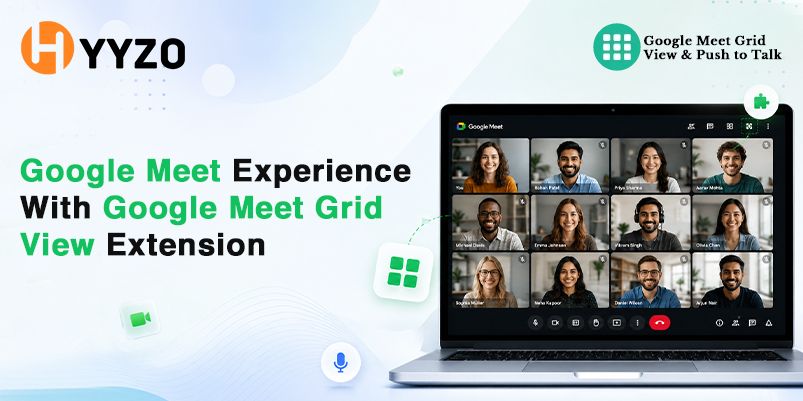
Google Meet Grid View & Push to Talk is a free Chrome extension that says it adds a grid layout and push-to-talk to Google Meet. This page summarises what its website says. We have not tested it, and the website does not name a company. Before you install any browser extension, check the publisher, the permissions it asks for and the reviews on its Chrome Web Store listing.
Written by vishakha. Last updated 17 November 2026. Extension websites and listings change, so check the current details before you install.
| Question | What the website says |
|---|---|
| What it is | A free Chrome extension that says it adds a grid layout and push-to-talk to Google Meet |
| Main claims | Switches the meeting to a grid layout with one click; Push to talk: hold the space bar to unmute only while you speak; Mirrors your own video |
| Price | Free, according to the website |
| Browser | Chrome only is mentioned |
| Publisher | Not named. The website does not state any affiliation with Google |
| Tested by us | No |
What googlemeetgridview.com says it does
- Switches the meeting to a grid layout with one click
- Push to talk: hold the space bar to unmute only while you speak
- Mirrors your own video
- Lets you change how participant names are shown
- Shows only participants whose video is on
How to install it
- Open the extension’s Chrome Web Store listing from the vendor’s website.
- Check the publisher, permissions and reviews, then click Add to Chrome.
- Open a Google Meet call.
- Use the extension’s grid button or the space bar to talk.
Check before you install
- Open the Chrome Web Store listing and compare the publisher name with the website.
- Read the permissions it asks for. “Read and change all your data on all websites” is a broad permission, so only grant it if the extension needs it.
- Read recent reviews and look at the number of users, and treat claims on the vendor’s own site with care.
- Read the privacy policy, and avoid lookalike listings with a similar name.
What to know first
A meeting extension can request permission to read and change data on Google Meet pages. Only install it if you are comfortable with that, and check the privacy policy first.
How we checked this
We read the product’s website on 17 November 2026 and summarised its claims. We did not install or test the extension, and we could not verify who runs it. Features, prices and listings can change, so check the Chrome Web Store listing for current details.
Frequently asked questions
What does the Google Meet Grid View extension do?
It says it switches Meet to a grid layout and adds push-to-talk with the space bar.
Is it free?
The website says it is free.
Is it made by Google?
The website does not state any affiliation with Google.
Is it safe to install?
We have not tested it. Check the publisher, permissions, reviews and privacy policy on the Chrome Web Store listing first.