
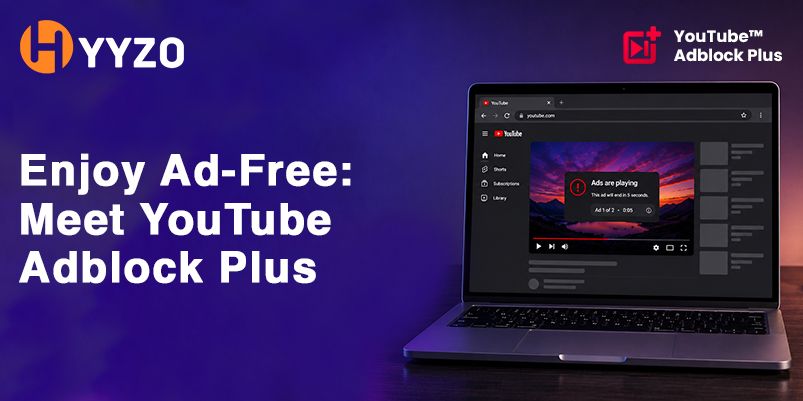
The YouTube Adblock Plus extension is a free Chrome extension that says it blocks ads on YouTube. This page summarises what its website says. We have not tested it, and the website does not name a company. Before you install any browser extension, check the publisher, the permissions it asks for and the reviews on its Chrome Web Store listing.
Written by vishakha. Last updated 17 November 2026. Extension websites and listings change, so check the current details before you install.
| Question | What the website says |
|---|---|
| What it is | A free Chrome extension that says it blocks ads on YouTube |
| Main claims | Says it blocks ads before, during and after videos, including unskippable ones; Says it also targets banners and pop-ups; Says it works on all ad types |
| Price | Free, according to the website |
| Browser | Chrome only is mentioned |
| Publisher | Not named. The footer reads “YouTube Adblock Plus” with a 2023 copyright |
| Tested by us | No |
What blockyoutubeads.com says it does
- Says it blocks ads before, during and after videos, including unskippable ones
- Says it also targets banners and pop-ups
- Says it works on all ad types
- Free to install, according to the website
How to install it
- Open a Chrome Web Store listing from the vendor’s website and compare the publisher and name.
- Check the permissions and reviews, then click Add to Chrome.
- Pin the extension to the toolbar and turn it on.
- Open YouTube and play a video.
Check before you install
- Open the Chrome Web Store listing and compare the publisher name with the website.
- Read the permissions it asks for. “Read and change all your data on all websites” is a broad permission, so only grant it if the extension needs it.
- Read recent reviews and look at the number of users, and treat claims on the vendor’s own site with care.
- Read the privacy policy, and avoid lookalike listings with a similar name.
What to know first
The website’s buttons link to two different Chrome Web Store listings, so confirm which one you are installing. It says it is trusted by more than a lakh users, but its own user and review counters showed zero when we read it. YouTube’s terms and ad system may not allow ad blocking, and YouTube has restricted ad blockers, so extensions can stop working.
If you shop through a cashback site, extensions that block content or reload pages can interrupt tracking. See why cashback does not track before you shop.
How we checked this
We read the product’s website on 17 November 2026 and summarised its claims. We did not install or test the extension, and we could not verify who runs it. Features, prices and listings can change, so check the Chrome Web Store listing for current details.
Frequently asked questions
Is the YouTube Adblock Plus extension free?
Its website says it is free.
Why does the website link to two listings?
Its Add to Chrome button and its Download buttons point to different Chrome Web Store pages. Check the name and publisher of the one you open before installing.
Is it safe?
We have not tested it and the website does not name a company. Check the publisher, permissions, reviews and privacy policy first.
Does ad blocking break YouTube’s rules?
It may. YouTube can restrict ad blockers and has made changes that stop many from working.